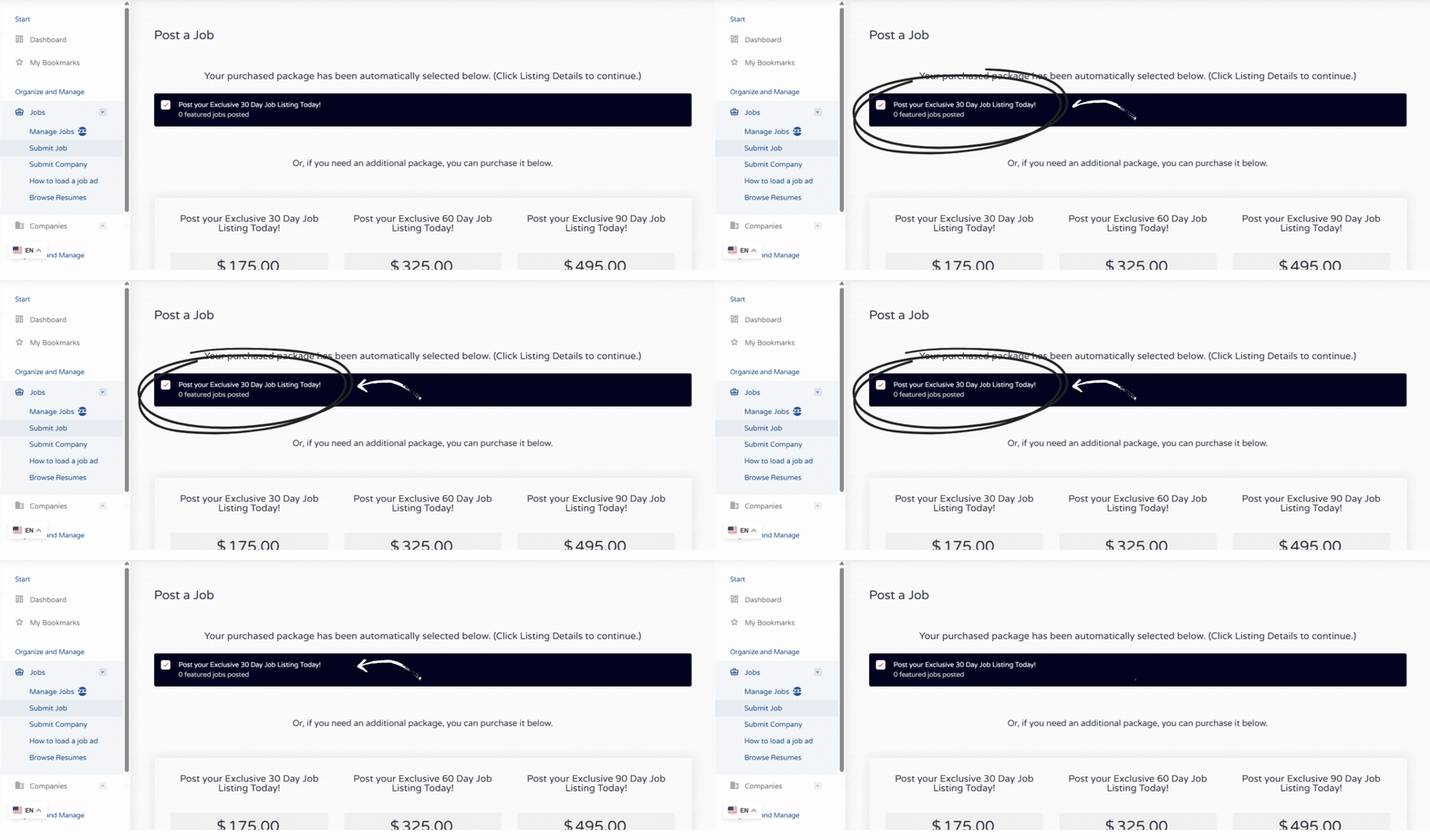
Your purchased package will be auto-selected. Then scroll down to the Listing Details button and click it to add your listing. If you’d like to purchase a new listing, simply select one of the available packages.
Step 3
Add or select your company
First time posting: click Add company.
Returning poster: select your company from the dropdown menu.
Step 4
Enter company details (first-time only)
Fill in all required company information and click Preview. The required size for the logo is at least 200px x 200px.
Step 5
Submit your company
Confirm the preview and submit your company details.
Step 6
If company already exists — start here or if you just added one follow the link below and select your saved company.
Enter all relevant job information (title, description, requirements, location, etc.).
Step 8
Preview your listing Review all details for accuracy and formatting.
Step 9
Submit your job posting
After submission, your post will be reviewed.
If any changes are required, Hire Resolve will contact you.
If everything is correct, your job ad will go live within 1 to 2 business days.
Quick tips & troubleshooting
Missing company in dropdown
Clear your browser cache or re-open the page. If it still doesn’t appear, ensure you completed step 5 (submitted the company) and wait a minute; alternatively contact Hire Resolve support.
Payment problems
Check card details or try a different payment method. Keep payment confirmation emails for reference.
Preview shows formatting issues
Paste the job description into a plain-text editor first, fix line breaks, then paste back into the form.
Want applicants emailed to someone else?
Make sure the contact/email in the job form is the person who should receive applications.
Need to edit after posting
Look for a “manage listings” or “my jobs” area (or contact support) to edit or remove listings.